
Back to Documentation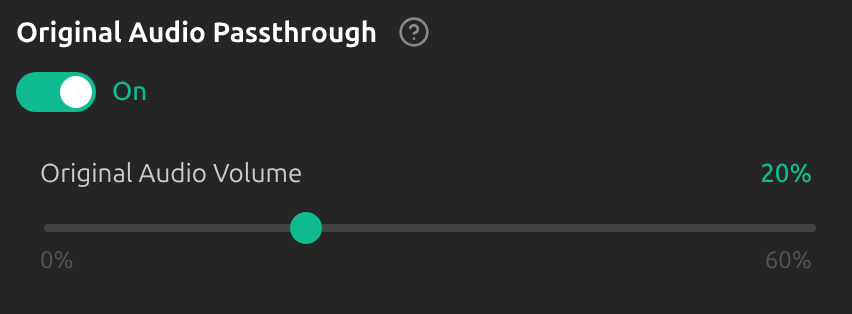
Original Audio Passthrough
Overview
Passthrough mixes your own voice into the virtual microphone alongside the translation, so the other side hears your original voice quietly under the translated one.
1Switch it on
Open Settings, switch to Advanced and choose the Audio tab. Switch on Original Audio Passthrough and set Original Audio Volume, from 0% to 60% (20% by default).
Tips
- Keep the volume low, so that the translation stays easy to follow.
- It only matters when the other side hears you through the virtual microphone, in Me or Both mode.
- With providers that offer Push-to-Translate, that mode manages passthrough by itself.
Frequently Asked Questions
Why would I want this?
Hearing your real voice, even quietly, helps the other side follow who is speaking and your tone.
Troubleshooting
Still stuck? Send us feedback from the account menu, or write to support@kizuna.ai. You can also ask in GitHub Discussions.