
Back to Documentation

Diagnostic Logs
Overview
Diagnostic logs record what Sokuji and the translation service exchange during a session. They help us find the cause when something goes wrong. They are off by default.
1Switch them on
In Settings, under Help, switch on Diagnostic logs. They stay on after a restart until you switch them off.
2Open the Logs panel
A Logs button appears in the title bar.
3Read and copy
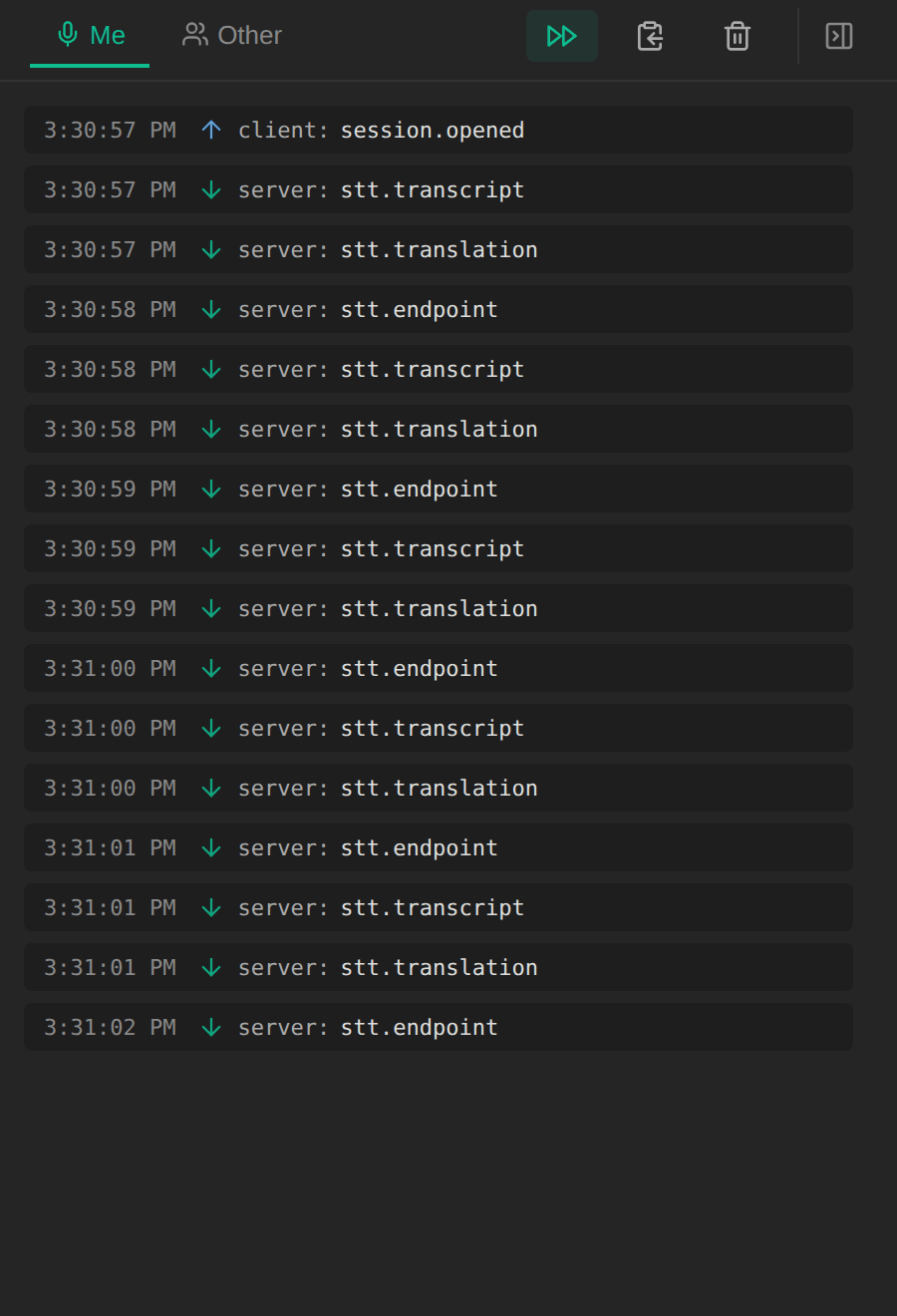
The panel shows events for Me and Other as they happen. Use the copy button to put them on the clipboard and paste them into your message to us; the bin clears the list.
Tips
- Reproduce the problem with logs on, then copy them straight away.
- Logs stay in memory only, up to the most recent 2,000 entries, and are cleared when you switch them off.
- Keys, tokens and email addresses are removed before anything is recorded, and audio is never stored.
Frequently Asked Questions
Where do I send the logs?
Paste them into your feedback from the account menu, or into an email to support@kizuna.ai.
Troubleshooting
Still stuck? Send us feedback from the account menu, or write to support@kizuna.ai. You can also ask in GitHub Discussions.