
Back to Documentation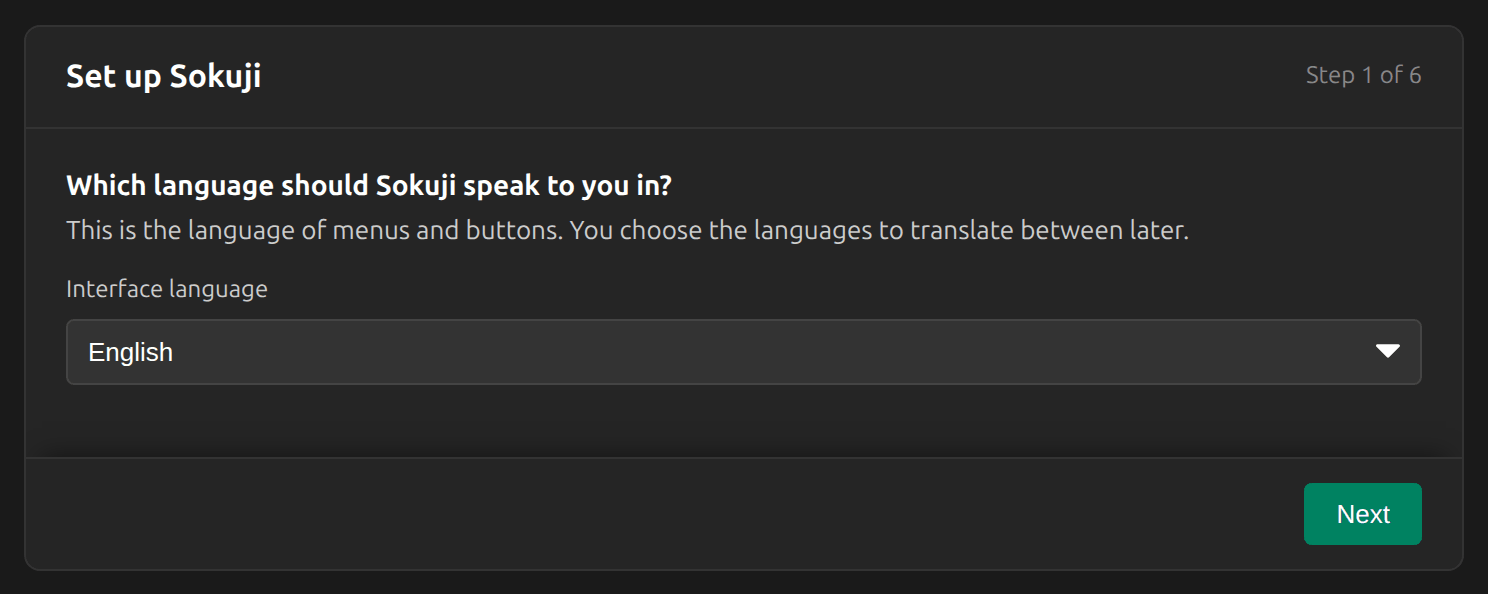

Interface Language
Overview
Sokuji’s menus and buttons are available in 30 languages. The interface language is separate from the languages you translate between.
1In the setup guide
The first step of the setup guide asks which language Sokuji should use. Pick yours from Interface language.
2Change it later
In Settings, under Help, choose a language from the menu with the globe. It cannot change while a session runs.
Tips
- The languages you translate between are set under Translation Languages, not here.
Frequently Asked Questions
Some text is still in English.
Where a translation is missing, Sokuji shows the English text.
Troubleshooting
Still stuck? Send us feedback from the account menu, or write to support@kizuna.ai. You can also ask in GitHub Discussions.